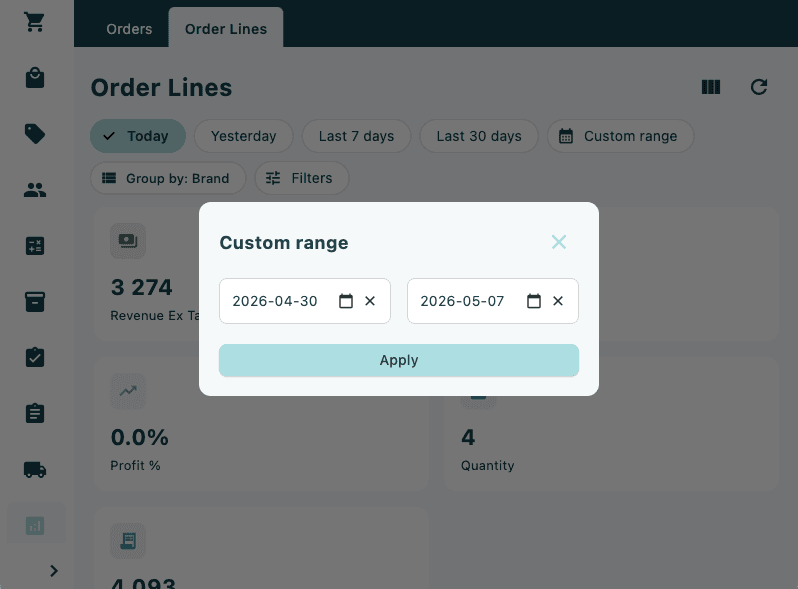
Orders and Order Lines
Sales performance reports filtered by time period, with Orders and Order Lines views.
The Reports section provides an overview of sales performance for your store. Data can be filtered by time period and is presented through two views: Orders and Order Lines.
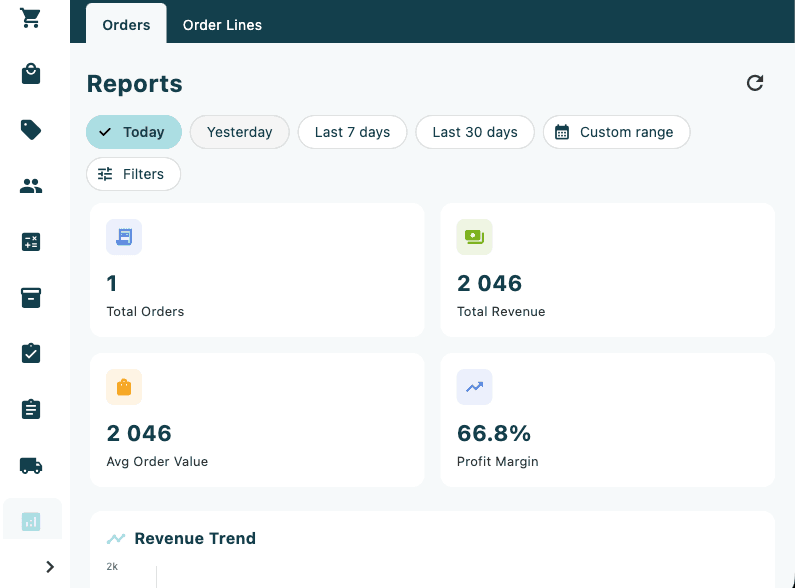
Orders view
The Orders view displays summary metrics for the selected time period, giving a high-level picture of order volumes and values for your store.
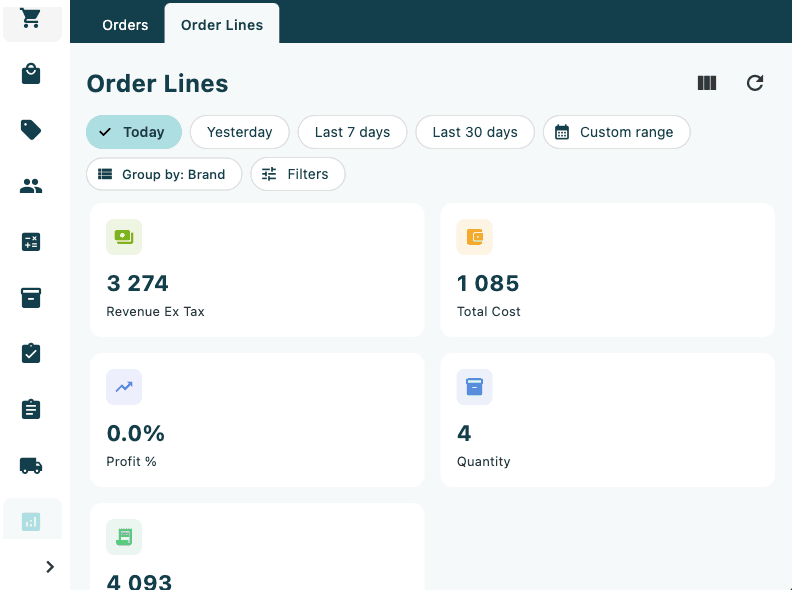
Order lines view
The Order Lines view provides a more granular breakdown by individual product lines. Order Lines can be grouped by Brand using the "Group by: Brand" button, and further refined using the Filters option.
Selecting a time period
Use the period selector buttons at the top of the screen to filter report data. Available options:
| Option | Description |
|---|---|
| Today | Current day's data |
| Yesterday | Previous day's data |
| Last 7 days | Rolling 7-day period |
| Last 30 days | Rolling 30-day period |
| Custom range | Select any start and end date |
To use a custom date range, tap Custom range and select the desired start and end dates from the calendar. Use the refresh icon to reload the report data at any time.